
Bring clarity into the room
A score walks
into a meeting.
“9.3.” Someone raises an eyebrow. Build the CVSS assessment that answers the next question: why?
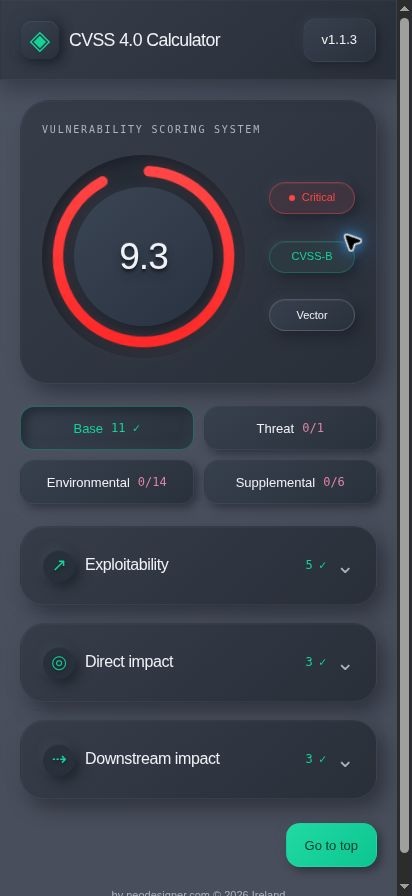
You know what comes next.
“Okay. Why a 9.3?”
The red ring has done its job. Everyone is looking. Now the conversation needs more than a colour.
Give the number
a backstory.
What can be exploited? What gets hurt? What changes here? Work through the finding until you can explain what made the number.
Now you can show your working.
Every score
has a plot.
Meet the flaw.
Describe the attack and what it can affect.
Add the twist.
Bring in exploitation evidence and the environment around it.
Pass the story on.
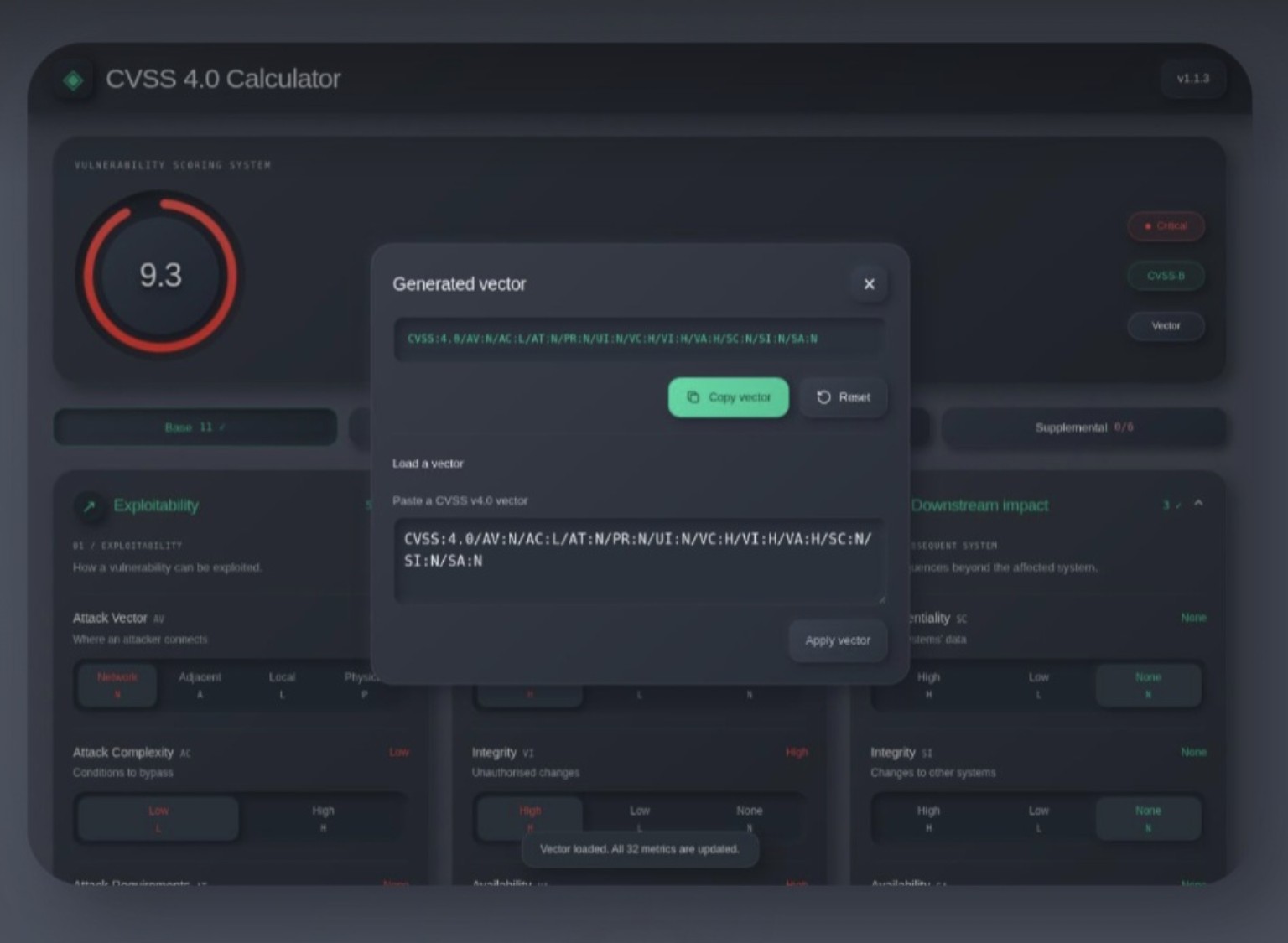
Copy the vector. Let the next person retrace your choices.
One detail.
A different ending.
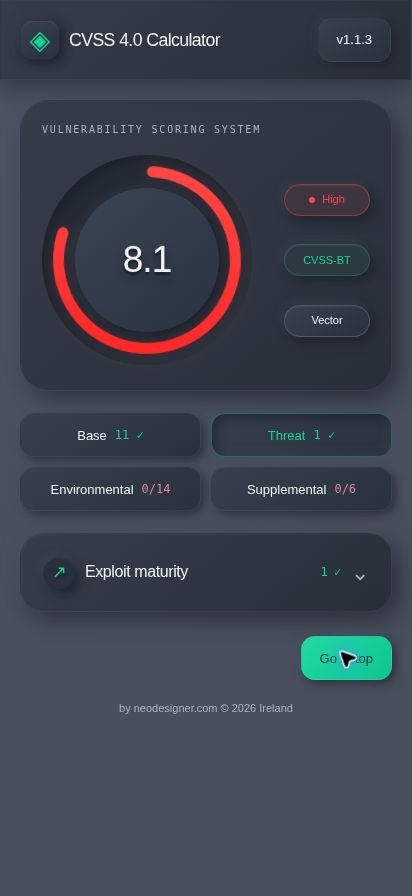
Same finding. Add “Unreported” exploitation context. Watch 9.3 become 8.1. The calculation follows the choices.
Illustrative inputs. Actual calculator output.
The finding
The finding on its own.
Example inputs. No live system is assessed.
Give them
the “because.”
Bring your next finding. Build the assessment. Take the reasoning into the room.
Open appFor the curious.
And the sceptical.
CVSS v4.0. All 32 metrics.
No account required.
What’s under the bonnet?
All 32 CVSS v4.0 metrics: 11 Base, 1 Threat, 14 Environmental and 6 Supplemental. Complete Base to calculate and export a vector; the other groups are optional. Supplemental values add context without changing the numeric score.
Why does 9.3 turn into 8.1?
The complete Base example scores 9.3. Set Exploit Maturity to Unreported (E:U) and it scores 8.1. Unreported does not prove exploitation is impossible. These are illustrative inputs, not a customer case study.
CVSS:4.0/AV:N/AC:L/AT:N/PR:N/UI:N/VC:H/VI:H/VA:H/SC:N/SI:N/SA:NThe vector above follows your selection in the worked example.
Will it work when Wi-Fi won’t?
Open the app online and let it load completely before using it offline. Install it through the app’s Install control or a supported browser. Installation is optional. The landing page itself is not the offline calculator.
Who gets to see my assessment?
Calculations run in your browser. There is no account or analytics script. Loading and updating app files contacts the host, which may keep access logs. Automatic updates briefly save tab state to restore the assessment after refresh.
Highest score gets fixed first?
CVSS expresses severity. Use organizational context and other evidence to decide remediation priorities. The app does not scan systems or confirm a vulnerability exists. Metric guidance is in the app’s handbook.